← Back to Hub

Brand Wallpapers

Cyan / purple dark aesthetic matching the screensaver. PNG for Windows desktop; SVG for crisp scaling & print.

Dark branded wallpaper 1920x1080

DI Dark Mesh — 1920×1080 PNG

Primary desktop wallpaper (Full HD). Generated branded art, cyan/purple glow.

Dark branded wallpaper 2560x1440

DI Dark Mesh — 2560×1440 PNG

QHD / 1440p version for higher-res monitors.

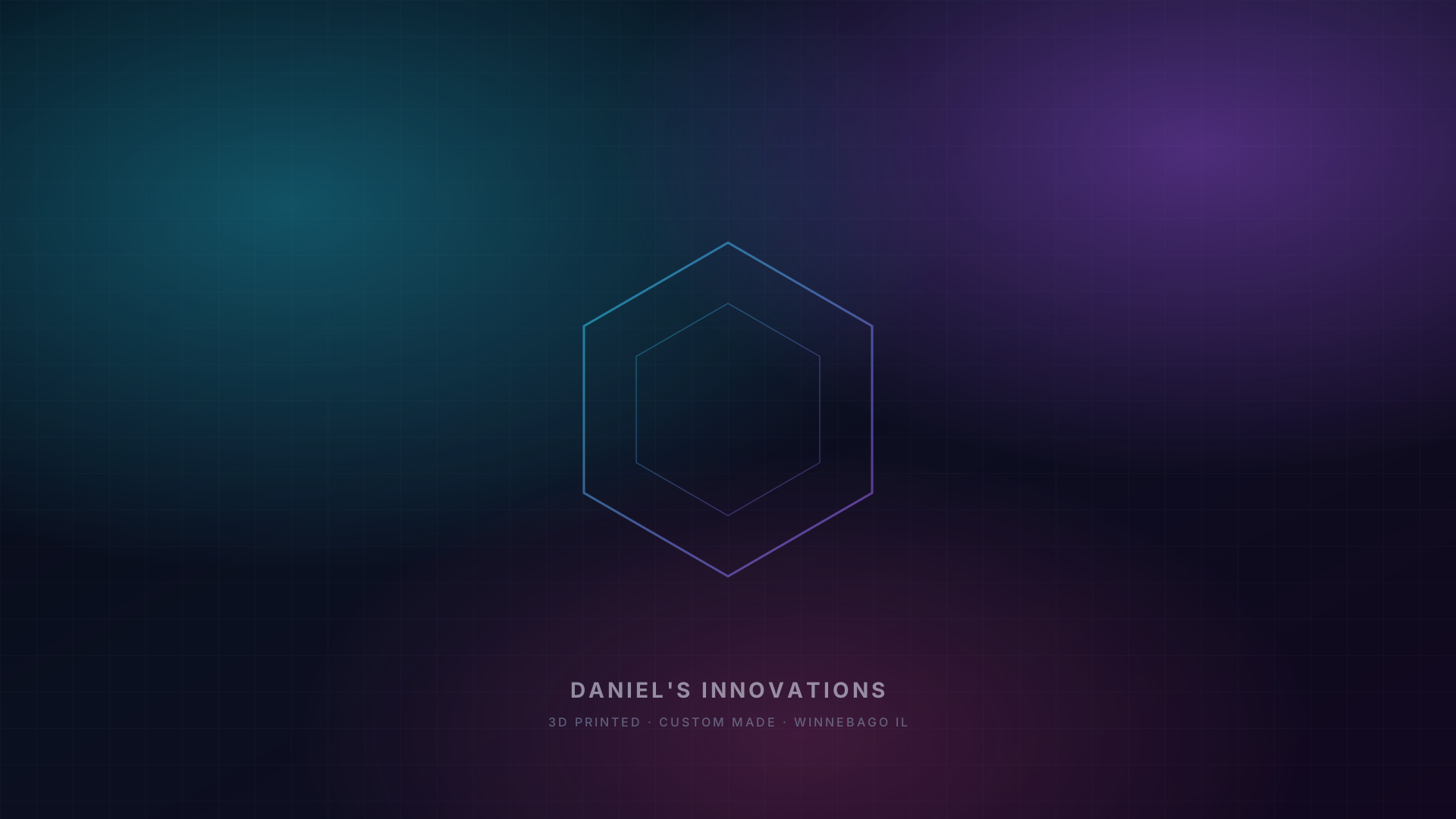
SVG mesh wallpaper preview

Mesh Hex — SVG (1920×1080)

Vector wallpaper with hex motif + brand wordmark. Set as wallpaper via browser or convert to PNG.
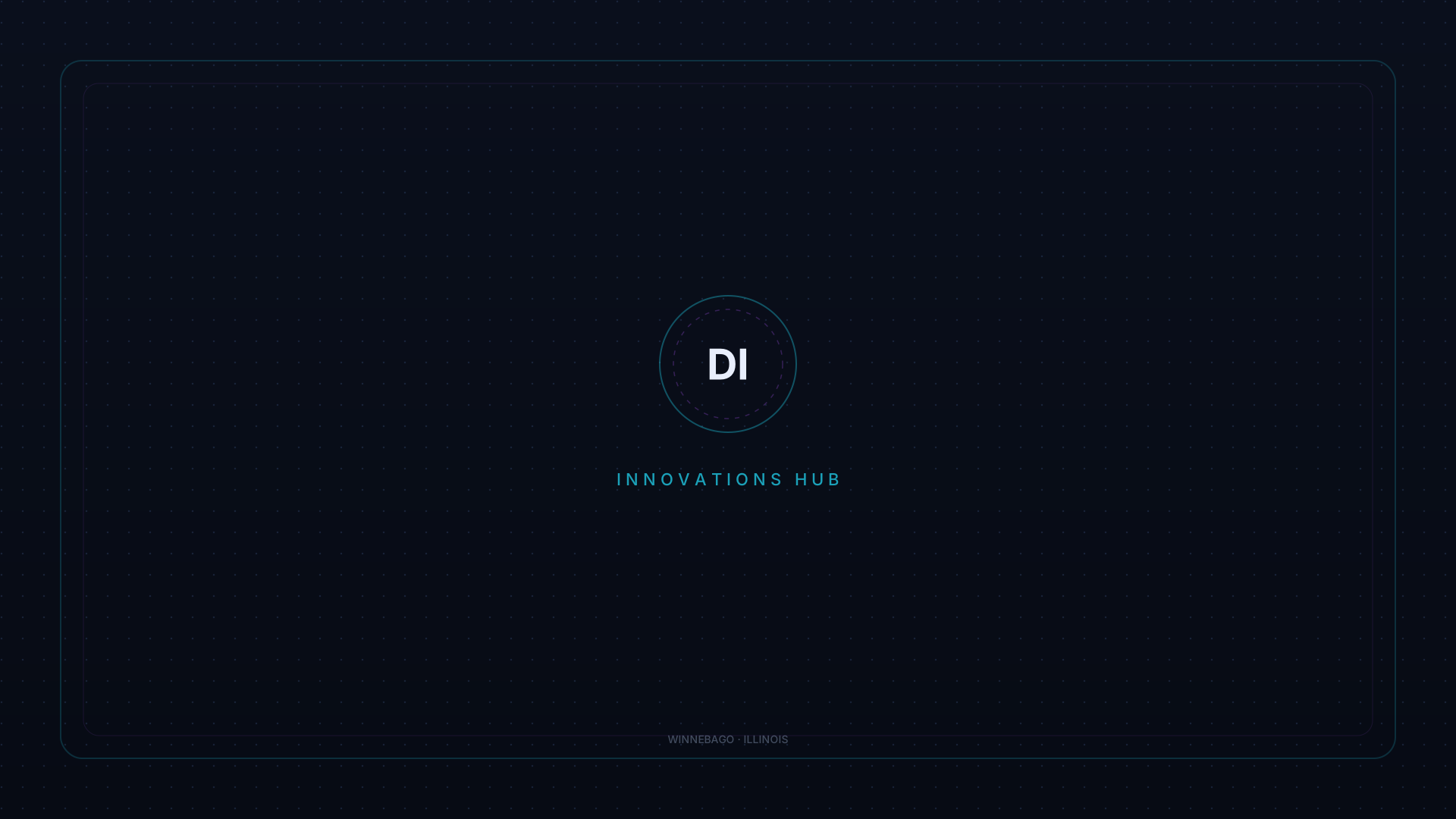
SVG maker grid wallpaper preview

Maker Grid — SVG (1920×1080)

Minimal maker frame with DI monogram and dotted grid.

Set as Windows wallpaper

  1. Open File Explorer to this project’s wallpapers folder.
  2. Right-click di-wallpaper-dark-1920.png (or the 2560 version) → Set as desktop background.
  3. Or: Settings → Personalization → Background → Browse photos → pick the PNG.
  4. For SVG: open in Edge/Chrome, zoom to fit, screenshot / export, or use an image app to rasterize at your screen size.